Intersection Observer vs GSAP ScrollTrigger: Which Should You Use?
Comparing Intersection Observer and GSAP ScrollTrigger for scroll animations. Performance, control, scrub, batch, and when each approach makes sense.
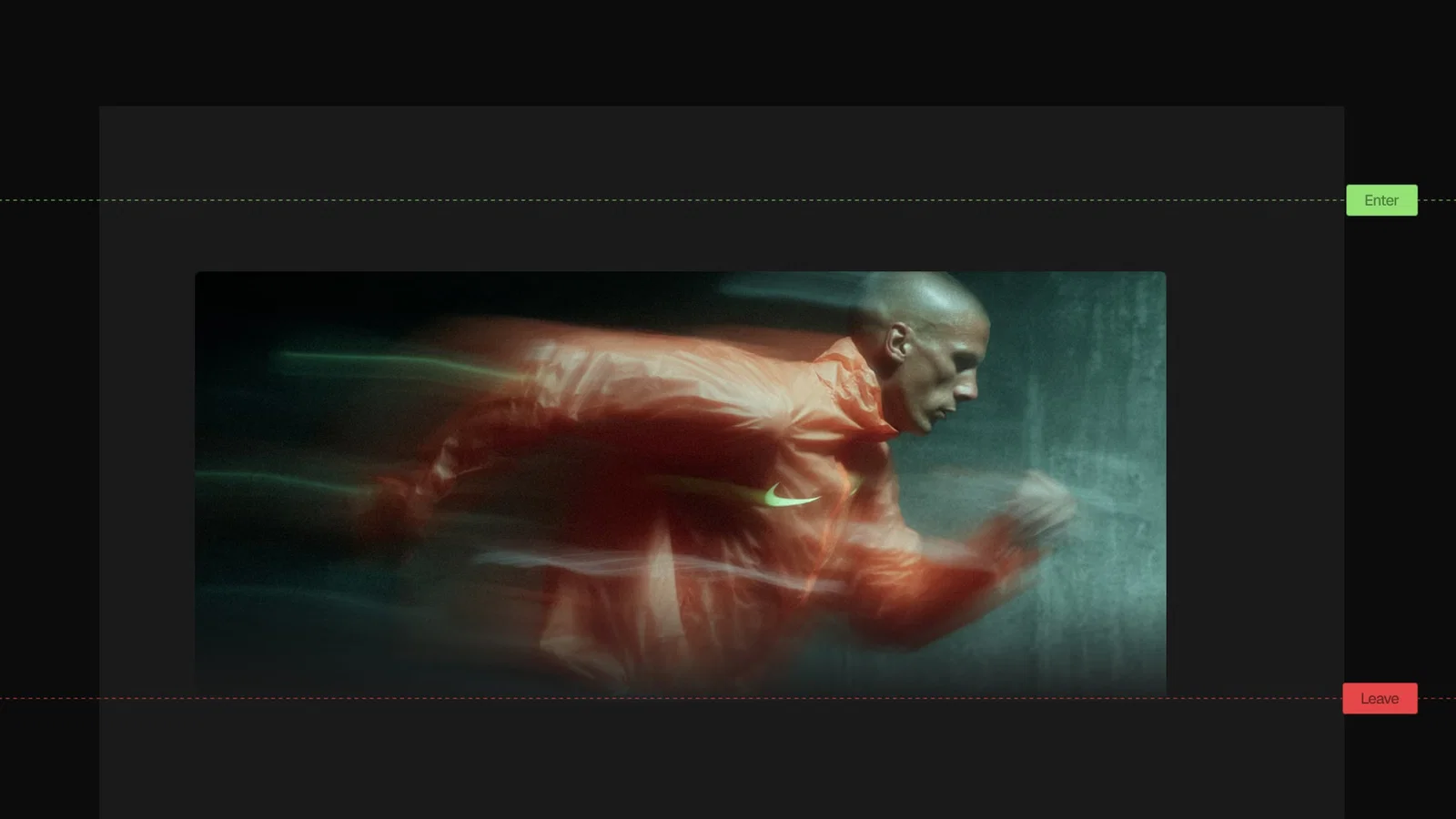
Every developer building scroll animations hits this decision: Intersection Observer or ScrollTrigger? They solve the same surface-level problem (trigger something when an element enters the viewport) but they're not actually interchangeable.
I've used both extensively. The short answer: Intersection Observer for simple show/hide triggers with no dependencies. GSAP ScrollTrigger for anything animated.
Here's the full breakdown.
What Each Tool Does
Intersection Observer
Intersection Observer is a browser API. No library required. It fires a callback when a target element enters or exits the viewport (or a custom root element).
const observer = new IntersectionObserver(
  (entries) => {
    entries.forEach((entry) => {
      if (entry.isIntersecting) {
        entry.target.classList.add('visible')
      }
    })
  },
  {
    threshold: 0.1, // fires when 10% of the element is visible
  }
)

document.querySelectorAll('.card').forEach((el) => observer.observe(el))
It's binary: the element is either intersecting or it isn't. You get a callback at each threshold crossing.
GSAP ScrollTrigger
ScrollTrigger is a GSAP plugin that ties animations to scroll position. It can trigger animations on enter/leave (like Intersection Observer), but it can also link animation progress directly to scroll position.
gsap.registerPlugin(ScrollTrigger)

gsap.from('.card', {
  y: 30,
  opacity: 0,
  duration: 0.7,
  ease: 'power3.out',
  scrollTrigger: {
    trigger: '.card',
    start: 'top 80%',
    once: true,
  },
})
The same trigger behavior as Intersection Observer. But ScrollTrigger can do things IO simply cannot.
What ScrollTrigger Can Do That Intersection Observer Can't
Scrub: Animation Tied to Scroll Position
The most powerful ScrollTrigger feature. When scrub: true, the animation's progress tracks the scroll position 1:1. Scroll down and the animation advances. Scroll up and it reverses.
gsap.to('.parallax-image', {
  y: -100,
  ease: 'none',
  scrollTrigger: {
    trigger: '.section',
    start: 'top bottom',
    end: 'bottom top',
    scrub: true,
  },
})
Intersection Observer cannot do this. It doesn't know how far the user has scrolled through an element. It only knows "intersecting" or "not intersecting."
Pinning
ScrollTrigger can pin an element in place while the user scrolls, then release it when a certain scroll distance is reached. This is how "scroll through a section" storytelling effects work.
const tl = gsap.timeline({
  scrollTrigger: {
    trigger: '.section',
    start: 'top top',
    end: '+=2000',
    pin: true,
    scrub: 1,
  },
})

tl.to('.text-1', { opacity: 0, duration: 1 }).to('.text-2', { opacity: 1, duration: 1 })
The section stays fixed while 2000px of scroll drives the timeline. No CSS sticky tricks needed.
Progress Tracking
scrollTrigger.progress gives you a 0 to 1 value representing how far through the trigger range the user has scrolled. You can read this and drive anything: custom counters, SVG paths, scroll depth indicators.
ScrollTrigger.create({
  trigger: '.content',
  start: 'top top',
  end: 'bottom bottom',
  onUpdate: (self) => {
    const percent = Math.round(self.progress * 100)
    progressBar.style.width = percent + '%'
  },
})
Batch Triggers for Long Pages
ScrollTrigger.batch() is a high-performance pattern for pages with many animated elements. It groups elements that enter the viewport around the same time into a single callback, then animates them together with stagger.
ScrollTrigger.batch('.card', {
  onEnter: (elements) => {
    gsap.from(elements, {
      y: 30,
      opacity: 0,
      duration: 0.6,
      ease: 'power3.out',
      stagger: 0.08,
    })
  },
  start: 'top 80%',
  once: true,
})
This is more efficient than creating one ScrollTrigger per element. With 50+ cards, it's the recommended approach.
Horizontal Scroll
ScrollTrigger supports horizontal scroll sections where vertical scrolling drives horizontal content movement. This is a complex pattern that would require significant custom code with Intersection Observer.
const horizontalTween = gsap.to('.horizontal-track', {
  xPercent: -75, // move left through 4 panels
  ease: 'none',
  scrollTrigger: {
    trigger: '.horizontal-section',
    start: 'top top',
    end: '+=3000',
    pin: true,
    scrub: 1,
  },
})
Feature Comparison
| Intersection Observer | GSAP ScrollTrigger | |
|---|---|---|
| Setup | Built-in browser API | npm install gsap (plugin) |
| Bundle size | 0KB | ~23KB (core + ScrollTrigger) |
| Trigger on enter | Yes | Yes |
| Trigger on leave | Yes | Yes |
| Scrub (progress-linked) | No | Yes |
| Pinning | No | Yes |
| Progress value | No | Yes (0 to 1) |
| Batch animations | Manual | ScrollTrigger.batch() |
| Horizontal scroll | No | Yes (containerAnimation) |
| React cleanup | Manual | Automatic (useGSAP) |
| Debug tools | Browser DevTools | markers: true |
When Intersection Observer Makes Sense
Intersection Observer is the right choice when:
You're adding CSS class-based animations. Toggle a visible class, let CSS handle the animation. No GSAP needed. Zero bundle cost.
const observer = new IntersectionObserver(
  (entries) => {
    entries.forEach((entry) => {
      entry.target.classList.toggle('in-view', entry.isIntersecting)
    })
  },
  { threshold: 0.15 }
)
.element {
  opacity: 0;
  transform: translateY(20px);
  transition:
    opacity 0.5s ease-out,
    transform 0.5s ease-out;
}

.element.in-view {
  opacity: 1;
  transform: translateY(0);
}
You need lazy loading. Intersection Observer is the standard API for loading="lazy" and similar deferred loading patterns. It's exactly what the browser uses internally.
You're on a project where bundle size is critical. Adding GSAP for simple fade-in animations is overkill. If all you need is "add class when visible," IO is the right tool.
You're building for environments where GSAP isn't already included. A small widget, a web component, an embedded third-party script.
When ScrollTrigger Makes Sense
Use ScrollTrigger when:
You need scroll-driven animation (scrub). Parallax, image reveals, counter animations tied to scroll position. These require scrub. Intersection Observer can't do this.
You need pinned sections. "Scroll through" storytelling with pinned containers requires ScrollTrigger's pinning system.
You're already using GSAP. If the project already has GSAP for UI animations, ScrollTrigger adds no meaningful overhead and gives you a consistent API for all scroll behavior.
You have complex sequencing on scroll enter. A staggered section reveal with multiple elements in a specific order is cleaner with ScrollTrigger + timeline than with Intersection Observer + hand-coded delays.
You need reliable cleanup in React. Intersection Observer requires manual observer.disconnect() in useEffect cleanup. With useGSAP, ScrollTrigger cleanup is automatic.
Same Goal, Different Code
Here's the same animation implemented with both:
Intersection Observer
// CSS-driven reveal
const observer = new IntersectionObserver(
  (entries) => {
    entries.forEach((entry) => {
      if (entry.isIntersecting) {
        entry.target.classList.add('revealed')
        observer.unobserve(entry.target) // fire once
      }
    })
  },
  { threshold: 0.1 }
)

document.querySelectorAll('.card').forEach((el) => observer.observe(el))
.card {
  opacity: 0;
  transform: translateY(30px);
  transition:
    opacity 0.6s ease-out,
    transform 0.6s ease-out;
}

.card.revealed {
  opacity: 1;
  transform: translateY(0);
}
ScrollTrigger
ScrollTrigger.batch('.card', {
  onEnter: (elements) => {
    gsap.from(elements, {
      y: 30,
      opacity: 0,
      duration: 0.6,
      ease: 'power3.out',
      stagger: 0.08,
    })
  },
  start: 'top 80%',
  once: true,
})
For this simple use case, both work. The Intersection Observer version has zero extra dependencies. The ScrollTrigger version gives you stagger, better easing control, and fits into a project that already uses GSAP.
My Recommendation
Start with Intersection Observer if you're adding simple reveal animations to a project and GSAP isn't already there. The browser API is sufficient, and the zero-bundle-cost is genuinely valuable.
Use ScrollTrigger if:
- You need scrub, pinning, or horizontal scroll
- You're already using GSAP on the project
- You want a unified API for all scroll behavior
- You need the performance optimizations of
ScrollTrigger.batch()for long pages
The libraries aren't in competition. Most production sites I build use both: CSS transitions and Intersection Observer for simple UI state changes, GSAP and ScrollTrigger for complex scroll sequences.
For production-ready GSAP scroll animations with the code ready to use, browse the Annnimate library. For 10 specific scroll patterns with full code, GSAP ScrollTrigger Examples covers the patterns I reach for most. And if you're deciding between animation libraries more broadly, GSAP vs Framer Motion vs React Spring has the full breakdown.