Persistent Background Scenes in Nuxt 3: Scroll Restoration Without the Snap
How I kept a GSAP + Lenis mountain scene mounted across Nuxt page navigations and restored scroll position without breaking the camera. Real code from a recent build.
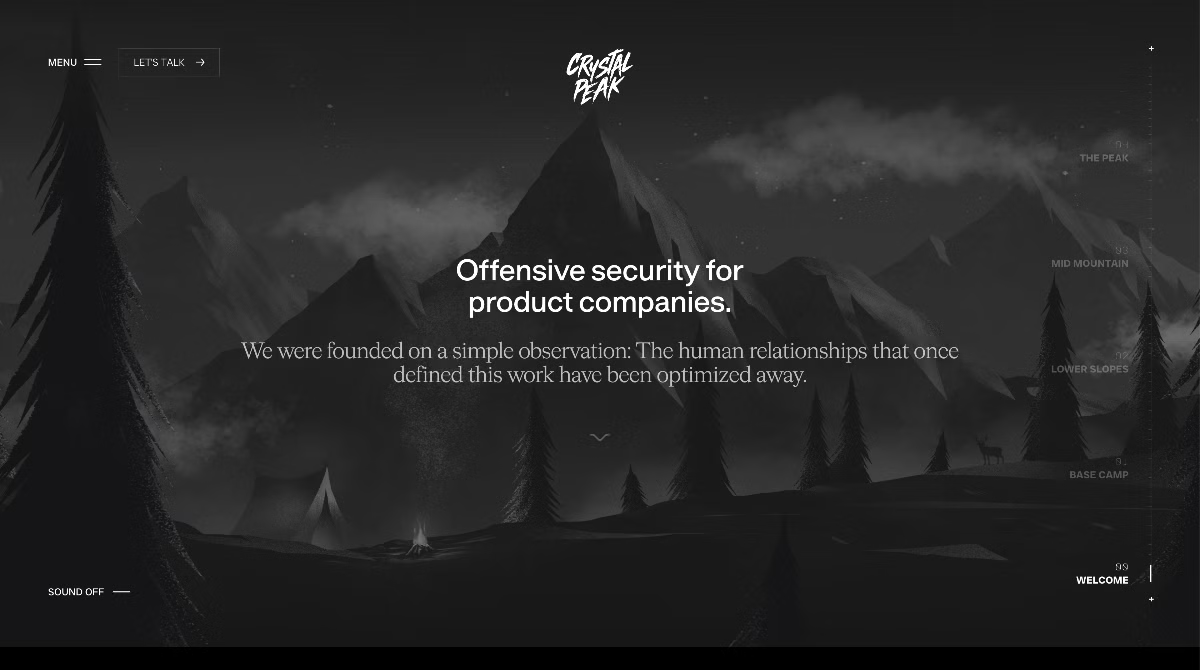
A recent build for Crystal Peak Security put me in front of a problem I hadn't run into before: a continuous, scroll-driven background scene that has to stay mounted while the user navigates between Nuxt pages and a scroll position that has to come back exactly where they left it when they return.
The naive version explodes in obvious ways. The scene re-mounts, the WebGL context dies, textures re-decode, the camera resets, the scroll snaps to top and the moment you fix one of those four, the other three get worse.
Here's the architecture I landed on and the four traps I had to step around to get there.
The setup
The stack is Nuxt 3 with a custom layout shell, GSAP for the scroll-driven camera moves and Lenis as the global smooth-scroll engine. The scene itself is a WebGL mountain in MountainScene.client.vue that should render behind the home page and quietly nap on detail pages. Routing is light: /, a few sub-pages and back-navigation that should land you exactly where you scrolled to.
The scene's camera state, GPU resources and frustum need to survive route changes. Scroll position on / has to come back on return, including the camera position it implies. Page transitions still need to look good. No snaps, no flashes.
Step 1: Mount the scene once, as a sibling of <NuxtPage>
The first instinct most people have is <KeepAlive>. Don't.
Vue 3's <KeepAlive> + <Transition mode="out-in"> has a long-running set of bugs around DOM re-attachment (vuejs/core #5603, #5127, #13843). On the second navigation back to a kept-alive page, the page DOM doesn't always come back. I burned an afternoon on that before walking away from it.
The clean solution is to mount the scene outside <NuxtPage> entirely. In app.vue:
<template>
  <NuxtLayout>
    <SceneMountainScene />
    <NuxtPage
      :transition="{
        name: 'page',
        mode: 'out-in',
      }"
    />
  </NuxtLayout>
</template>
The scene is now a sibling of the routing surface. Vue never asks it to unmount, because it's not inside the thing that's switching. The WebGL context, the texture cache and the camera all live for the session.
The trade-off is that the scene has to know whether it should be rendering on the current route. I'll come back to that.
Step 2: Share scene state via a composable, not props
The scene's camera reads a single reactive object, a frustum with an x, y and halfWidth. The home page's scroll triggers tween that object. Both sides need the same reference, across routes.
A module-level reactive in a composable does the job:
// composables/useMountainScene.ts
import { reactive } from 'vue'

// Single instance for the whole session, so the camera state survives
// route changes without keep-alive.
const frustum = reactive({ halfWidth: SCENE_WIDTH / 2, x: 0, y: 0 })

export function useMountainScene() {
  return { frustum, resetFrustum }
}
Module scope is deliberate. useState would work too, but it routes the frustum through Nuxt's payload. A module reactive lives in browser JS only, recreated on a full load and available everywhere in between.
On the home page, ScrollTrigger tweens the frustum directly:
gsap.to(frustum, {
  x: target.x,
  y: target.y,
  halfWidth: target.halfWidth,
  duration: 1.8,
  ease: 'power2.inOut',
  overwrite: 'auto',
})
When the user navigates away, nothing tears down. The frustum's last values are still there. On return, the camera is exactly where they left it and we haven't even thought about scroll restoration yet.
Step 3: Take Nuxt's default scroll restoration out of the loop
This is the trap I want to spend the most time on, because the fix is so close to obvious that I missed it for a day.
Nuxt's default scrollBehavior returns the saved position immediately ({ top: savedScrollY }) as soon as the new route is ready. That fires native scroll events, which fire ScrollTrigger callbacks that tween the frustum towards whatever section the user is now "in." But the rest of the page hasn't measured yet, the scene has a route-change reset queued and the result is a camera transition that clamps halfway through and looks broken.
The fix is to opt out of router-driven restoration for the home route and own the timing yourself:
// app/router.options.ts
import type { RouterConfig } from '@nuxt/schema'

export default <RouterConfig>{
  scrollBehavior(to, from, savedPosition) {
    if (to.path === '/' && savedPosition) {
      // Let the home page restore itself once its scroll-driven scene and
      // content have finished settling; early router scrolls can clamp.
      return false
    }
    return savedPosition || { top: 0 }
  },
}
Returning false tells the router: "I'll handle it." For every other route, default behaviour is fine.
The scroll restore happens later, from inside the home page component, after it knows the scene and the measured content are both ready.
Step 4: Restore from the destination page, once it's actually ready
Two things have to be true before a programmatic scroll on the home page is safe:
- The scene is loaded and its first frame is on screen.
- The DOM that
ScrollTriggermeasures (trigger,start,endelements) has been laid out at its final size.
Until both are true, calling window.scrollTo(0, 2400) will land you in the wrong place. ScrollTrigger lazily measures on the first scroll, and if it measures while text is still flowing into its final width, your "section 3" starts and ends 200 pixels away from where they'll eventually be.
The pattern is a pair of readiness flags and a watcher that flushes when both are set:
// composables/useHomeRestoreReady.ts
import { ref, computed } from 'vue'

const sceneReady = ref(false)
const contentReady = ref(false)

export function useHomeRestoreReady() {
  return {
    sceneReady,
    contentReady,
    isReady: computed(() => sceneReady.value && contentReady.value),
  }
}
The scene flips sceneReady when its loop is running. The home page flips contentReady after ScrollTrigger.refresh() settles. The restoration code watches the computed:
const { isReady } = useHomeRestoreReady()
const returnContext = useReturnContextStore() // sessionStorage-backed Pinia

onMounted(() => {
  const pending = returnContext.consume(route.path)
  if (!pending) return

  const flush = () => {
    requestAnimationFrame(() => {
      // Jump the camera first so the scene matches where we're landing
      sceneScroll.jumpToChapter(pending.chapterIndex)

      // Then move the scroll, both the Lenis-driven and native, in that order
      const lenis = useLenis()
      lenis?.scrollTo(pending.scrollY, { immediate: true })
      window.scrollTo({ top: pending.scrollY, behavior: 'auto' })

      // Let ScrollTrigger re-evaluate against the final position
      ScrollTrigger.refresh()
      ScrollTrigger.update()
    })
  }

  if (isReady.value) flush()
  else watch(isReady, (ready) => ready && flush(), { once: true })
})
sceneScroll here is a sibling composable (useSceneScroll) that owns the camera tweens. jumpToChapter snaps the frustum to a chapter target without animating through the intermediate steps.
The captured position lives in a small Pinia store backed by sessionStorage, so it survives a hard refresh. Capture happens on beforeRouteLeave from /, consumption on mount of /.
The Lenis silent-cancel trap
The chapter buttons on the page do this:
const lenis = useLenis()
lenis.scrollTo(targetSection, {
  duration: 1.2,
  onComplete: () => releaseJumpLock(),
})
releaseJumpLock() flips an isJumping ref back to false, which re-enables the scroll-driven camera triggers.
The trap: if the user touches the wheel, trackpad or scrollbar while that programmatic scroll is in flight, Lenis silently cancels the animation and never calls onComplete. isJumping stays true forever, the camera freezes and every subsequent scroll is ignored.
The fix is a timeout fallback. Always:
const lenis = useLenis()
const JUMP_MS = 1200

lenis.scrollTo(targetSection, {
  duration: JUMP_MS / 1000,
  onComplete: releaseJumpLock,
})

window.setTimeout(releaseJumpLock, JUMP_MS + 200)
releaseJumpLock is idempotent, so the second call is a no-op. The timeout catches the case where onComplete never fires. If you call lenis.scrollTo anywhere with an onComplete that flips a flag, assume the callback may never fire and pair it with a timer.
The scene needs to know when to nap
A WebGL render loop running at 60fps behind a fully-opaque detail page is a CPU/GPU bill you don't need to pay. The scene should stop rendering when nothing is looking at it.
But it must not dispose. That's the point of all this.
// components/scene/MountainScene.client.vue
const route = useRoute()
const isVisible = computed(() => route.path === '/')

watch(
  isVisible,
  (visible) => {
    if (!sceneInstance) return
    if (visible) {
      sceneInstance.startLoop()
    } else {
      sceneInstance.stopLoop()
      resetFrustum() // optional: snap camera back to chapter 0 on exit
    }
  },
  { immediate: true }
)
startLoop/stopLoop toggle a gsap.ticker subscription. The WebGL context, the program, the textures, the buffers, all retained. The cost of resuming is the cost of one more frame.
Whether to call resetFrustum() on exit is a design call. On Crystal Peak the scene snaps back so a fresh navigation to / always begins at chapter 0 and the return-from-detail flow overrides that snap with the saved chapter. It keeps the "I scrolled here, came back, everything's where I left it" promise honest.
What this buys you
End-to-end, the result is a navigation that doesn't look like a navigation. You scroll halfway down /, the camera has moved with you, you tap into a detail page, it transitions in, you tap back, and:
- the mountain is where you left it,
- the scroll is where you left it,
- the hero text doesn't flash above the fold and then disappear,
- the first scroll event after landing doesn't yank the camera somewhere you didn't ask for.
There's one more thing worth saying out loud: none of this is exotic. It's <NuxtPage>, a composable, a Pinia store and a requestAnimationFrame. The work is in routing the timing through a single coordination point in the destination page, so the router and the scene stop pretending the other doesn't exist.
The full case study for the build will go up on the Good Fella Lab editions shelf soon. Until then, the site is live: crystalpeaksecurity.com.