GSAP easeReverse: The One-Line Fix Every Modal Needs
GSAP 3.15 added easeReverse, a property that fixes how easing behaves on reverse() animations. Here's why it matters and how to use it.
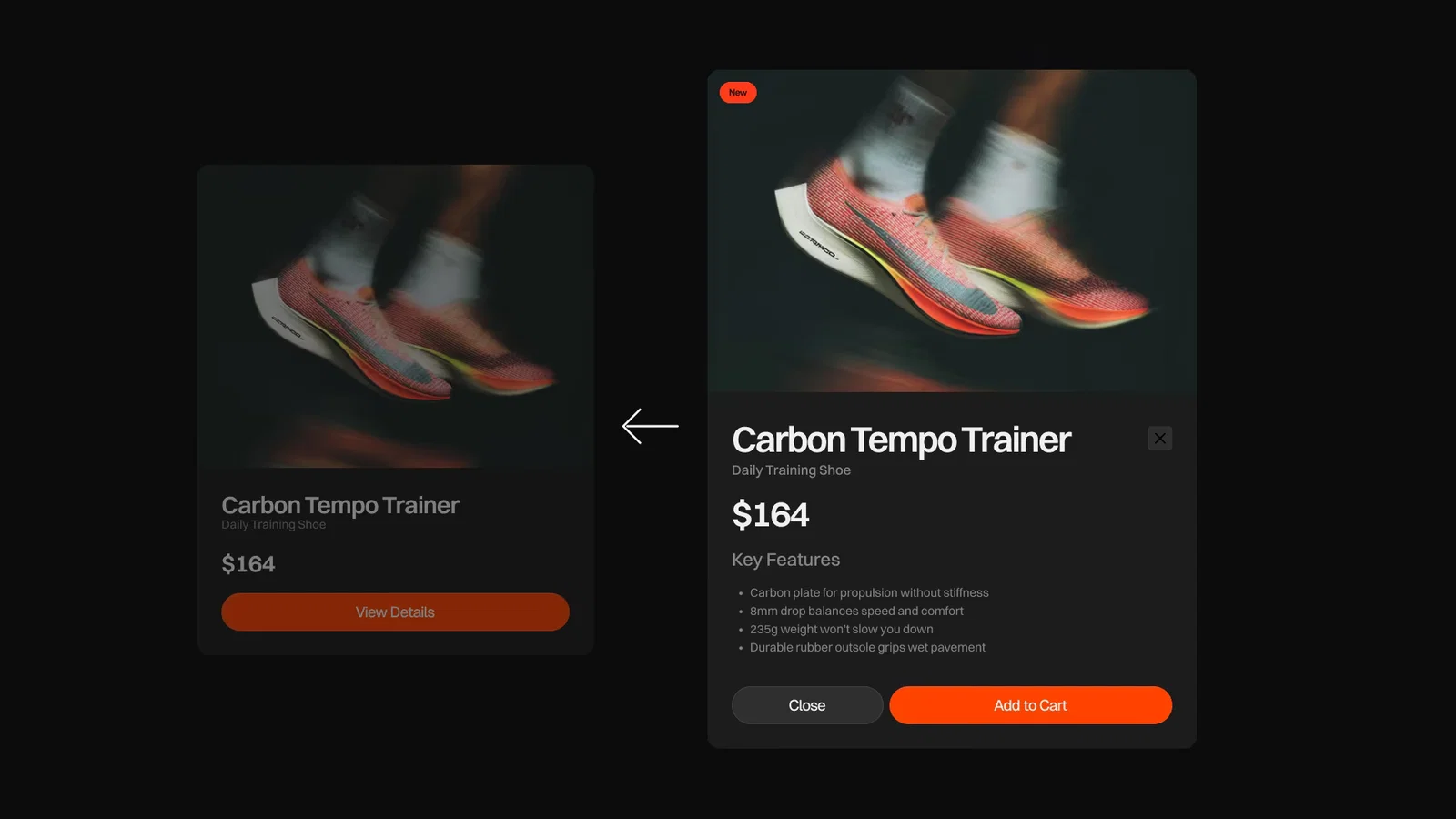
When a modal opens with a bounce, then closes by reversing the same animation, something feels off. The exit drags. The bounce is gone. Most developers paper over this by writing two separate animations. One for open, one for close. Different easing on each. It works. It's also twice the code.
GSAP 3.15 fixed this with one property: easeReverse.
The actual problem
When you call reverse() on a tween or timeline, GSAP plays time backwards. That sounds obvious, but it has a specific consequence for easing.
An expo.out curve looks like this when played forward: fast start, slow finish. Played backwards, it becomes: slow start, fast finish. That's an expo.in. Same data, opposite feel.
For motion that should ease out in both directions (like a menu that pops open AND pops back), reversing time is the wrong tool. The exit feels weak. People notice without being able to name what's off.
How easeReverse works
You pass easeReverse alongside ease in your tween vars.
gsap.to('.modal', {
  y: 0,
  opacity: 1,
  ease: 'back.out(1.7)',
  easeReverse: true,
})
true reuses the same forward ease when the playhead moves backwards. The reverse now feels like the forward play.
You can also pass a different ease string:
gsap.to('.modal', {
  y: 0,
  opacity: 1,
  ease: 'back.out(1.7)',
  easeReverse: 'sine.in',
})
This is the pattern I reach for on menus and drawers. Bounce in, ease out softly. The two directions don't have to match.
Where this actually matters
Three patterns where the asymmetry shows up most:
Toggleable overlays. Modals, drawers, menus, tooltips. You want a punchy entrance and a clean exit.
const menuTl = gsap.timeline({
  paused: true,
  defaults: { ease: 'expo.out', easeReverse: 'expo.in' },
})

menuTl
  .to('.menu-bg', { yPercent: 0, duration: 0.6 })
  .to('.menu-link', { y: 0, opacity: 1, stagger: 0.05 }, '-=0.4')

openButton.addEventListener('click', () => menuTl.play())
closeButton.addEventListener('click', () => menuTl.reverse())
Notice the defaults block. Every tween in the timeline picks up expo.out going forward and expo.in coming back. No per-tween repetition. This was the pattern I wanted for years.
Hover states with overshoot. A back.out ease on hover-in feels right. Played in reverse, it overshoots in the wrong direction. easeReverse: "power3.out" keeps the entrance bouncy and the exit clean.
Interrupted animations. If a user toggles a menu before the previous animation finishes, GSAP recalculates the curve from the exact frame the playhead changed direction. No glitch. No reset.
Timeline defaults
The pattern that scales: set easeReverse once in the timeline defaults, override per tween only when needed.
const tl = gsap.timeline({
  defaults: {
    ease: 'back.out(1.7)',
    easeReverse: 'expo.in',
  },
})

tl.to('.hero', { y: -100 })
  .to('.overlay', { opacity: 1, easeReverse: 'power4.out' })
  .to('.cta', { scale: 1 }, 0.2)

tl.reverse()
The .overlay tween uses its own easeReverse. The other two use the timeline default. This is the reason easeReverse lives at the tween level instead of being a timeline-only setting.
yoyoEase is dead
Before 3.15, the closest thing was yoyoEase. It only worked when you also set yoyo: true on a repeating tween. It was a niche feature for ping-pong loops, not for the reverse() pattern most apps actually need.
GSAP 3.15 deprecates yoyoEase. Existing code keeps working. New code should use easeReverse.
When not to use it
If your animation only ever plays forward, you don't need this. Skip it. easeReverse is for animations you actually call reverse() on, or for tweens where the playhead changes direction at runtime.
For ScrollTrigger scrubbed animations, easeReverse doesn't apply the same way. ScrollTrigger scrubs through timeline progress, so the easing follows the scroll position, not a discrete play/reverse call.
Key takeaways
reverse()plays time backwards, which inverts your ease curve. That's the real reason reversed animations feel off.easeReverse: truereuses your forward ease.easeReverse: "ease.name"lets you pick a different one.- Set it in
timeline.defaultsso every child tween inherits it. - Deprecates
yoyoEase. UseeaseReverseinstead. - Most useful for toggleable UI: modals, menus, drawers, hover states with overshoot.
Build it without the boilerplate
Most of the menu, button, and overlay animations in the Annnimate library already use the open-then-reverse pattern. With GSAP 3.15 and easeReverse, the exit feel matches the entrance without doubling the code. Drop them into your project and tune the curves to taste.
For a deeper look at the play/reverse pattern, the GSAP Timeline Tutorial covers timeline defaults and playback control in detail. And the GSAP Hover Effects guide shows where this asymmetry hits hardest.